How to Make T-Shirt Designs with Canva
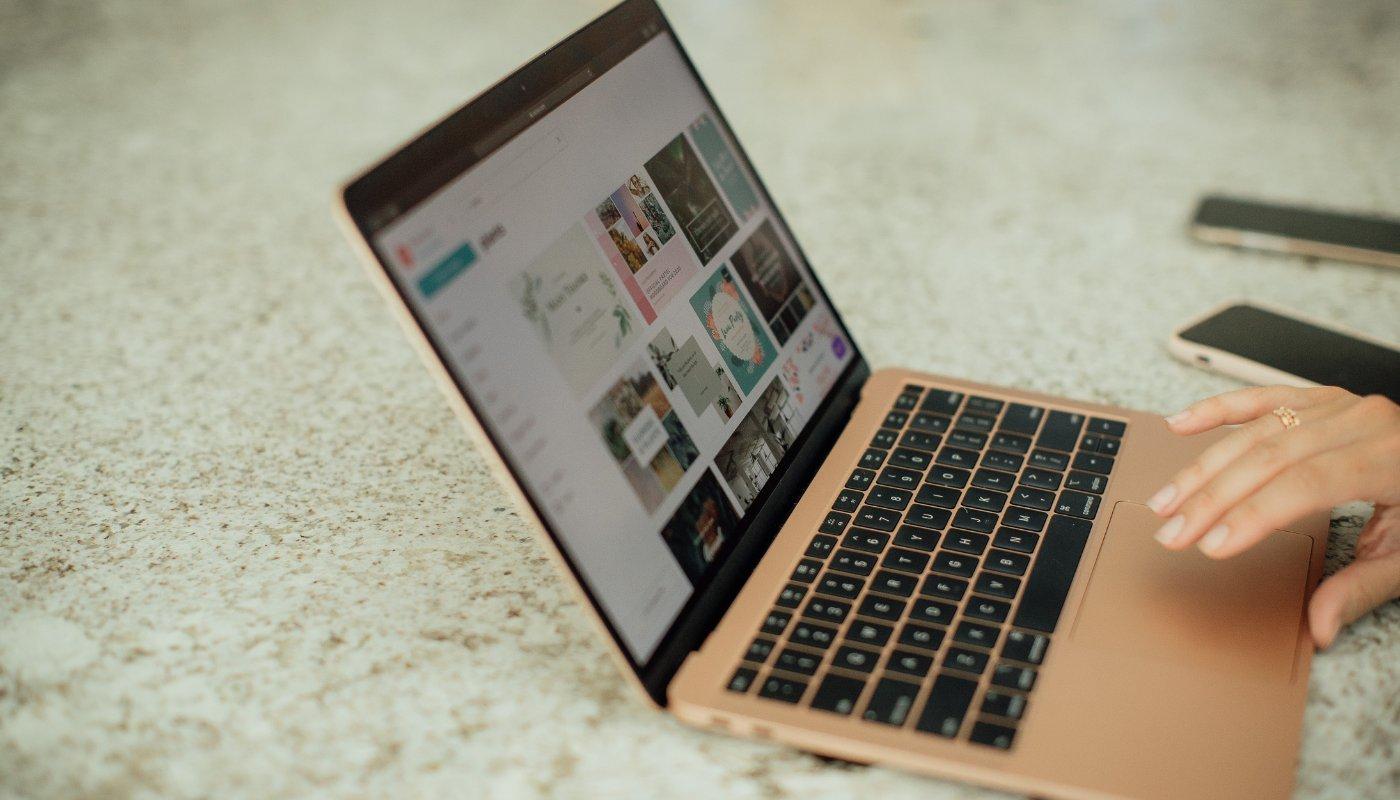
With Canva, it's easy for non-designers to create print-ready merch designs. Use their extensive library of assets to make and sell merch.
With Canva, it's easy for non-designers to create print-ready t-shirt designs. Canva has a user friendly interface and extensive library of assets to make and sell custom merch.
When selling print-on-demand products, quality design is essential. But what if you don’t have the budget for a professional designer? Or the right skills or experience?
Canva is your one-stop shop for making original, fresh t-shirt designs!
Canva is a FREE online design platform that allows you to create stunning designs for all your visual needs. And it's super easy for beginners to navigate.
Create designs for t-shirts and other custom apparel products, like hoodies, totes, stickers.
Learn more about how best dimensions, templates, and other tips for making t-shirt designs.
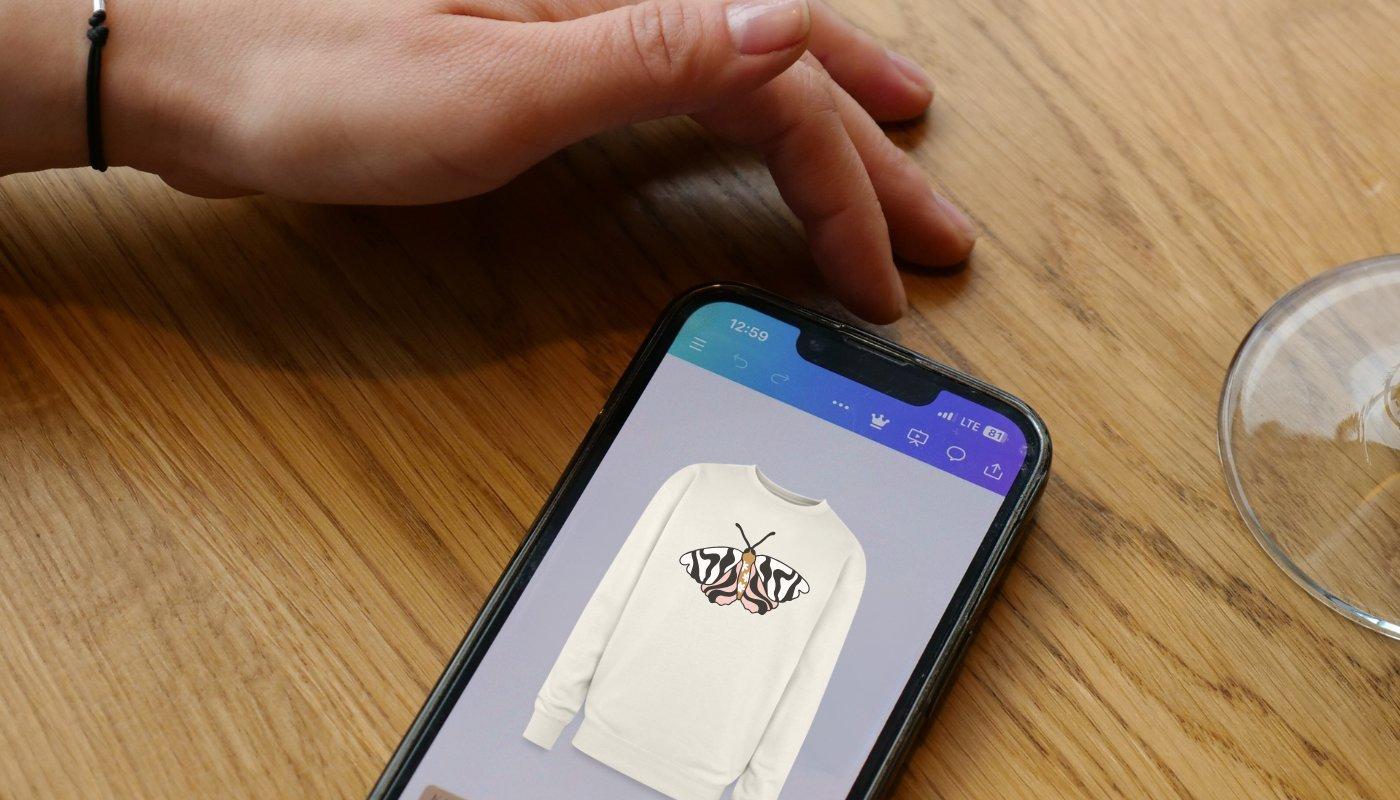
Make Print-Ready Designs in Minutes
Having a great logo and design for your t-shirts is essential to longterm success. This is how your followers will come to identify you, and if done right, will turn them into paying customers. But creating professional-looking designs can become time consuming and costly.
With Canva, you can easily create print-ready designs that are perfect for t-shirts, mugs, tote bags, and more. Plus, you can save your designs in any file size you need, including transparent PNGs.
This is a great option go make your designs look cleaner and more integrated with your products. Upload your own graphics or pick from Canva’s library of over 1 million images, icons and illustrations.
Creating a design with Canva is simple and fast. You can even select a template you want to use and edit it to suit your needs. You can change the colors, fonts, and different graphic elements. Canva encourages personalization!
Design File Tips for Your T-Shirts
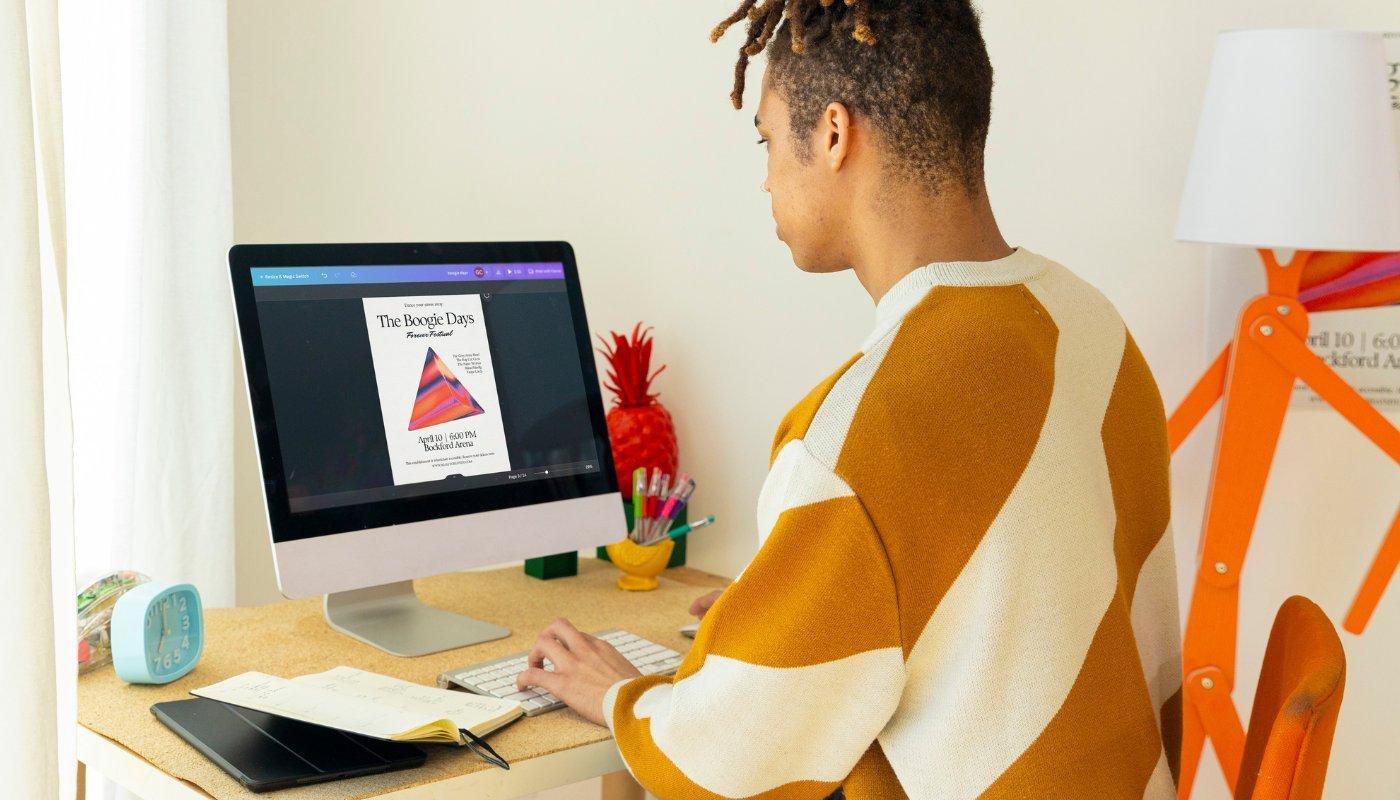
Here are some tips for using Canva to make great t-shirts designs. These tips will help your designs look professional and ready for printing!
1. Start with the Right File Size
Set your design dimensions to 4000 x 4000 pixels for the best print quality.
Make sure you download as a transparent background (and PNG) to avoid unwanted white edges. The best design file for print resolution and quality.
2. Use High-Resolution Elements
Avoid blurry graphics. Use vector illustrations, high-res images, and bold typography.
Stick to 300 DPI equivalent designs to ensure crisp prints.
3. Keep It Simple & Bold
T-shirt designs should be eye-catching from a distance. Avoid tiny details that won’t print well.
Use bold fonts, strong contrasts, and minimal but impactful designs.
4. Work with Layers & Effects
Canva’s shadow and glow effects make text and graphics pop.
Use layering to create depth. But avoid overcrowding the design with too many elements.
5. Stick to Print-Friendly Colors
Bright, high-contrast colors stand out best on apparel.
Avoid light pastels on white t-shirts and apparel. They might not print as clearly and won't stand out.
6. Save & Download Correctly
Always download as PNG with a transparent background for clean printing.
Double-check your 4000 x 4000 px resolution before saving!
By following these tips, you’ll create professional, high-quality designs that look amazing on your merch.
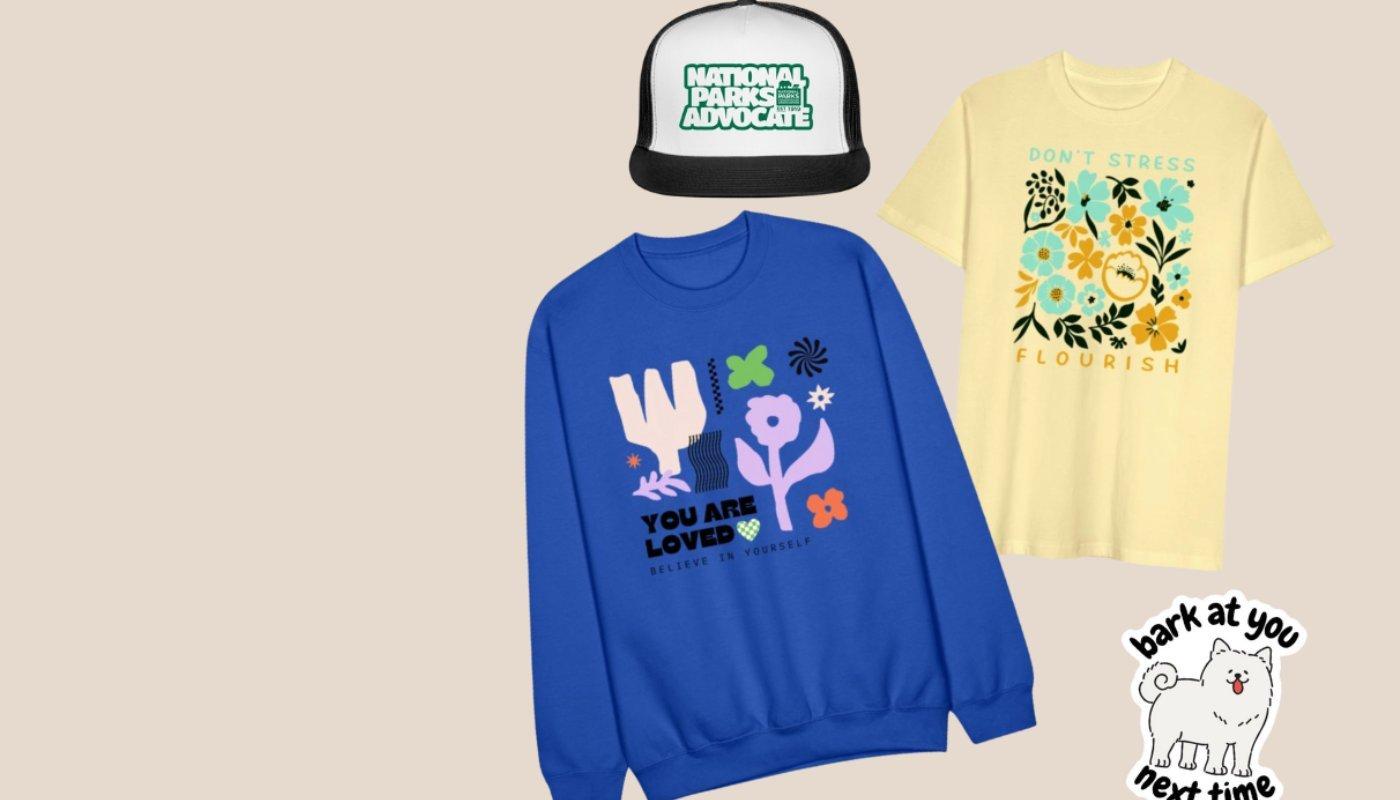
Customize 300+ Products With Your Designs
Once you have your designs, it's time to customize your t-shirts and other products.
With Spreadshop, you can make and sell over 300 products. Showcase your designs on classic t-shirts, hoodie and trendy streetwear. Whether your style is bold and graphic or minimal and clean, there’s something for every aesthetic.
Spreadshop gives you the flexibility to offer a diverse range of merch that speaks to your audience and helps you stand out. Want to go timeless? Offer wardrobe staples like unisex tees and zip-up hoodies.
Want to keep up with trends? Customize cropped cropped, bucket hats and eco-friendly apparel.
No inventory. No upfront costs. Just upload your high-res Canva designs (4000 x 4000 px with a transparent background), choose your products and start selling.
Spreadshop perks:
Easy drag-and-drop design
Massive product selection
Classic + trending styles
Built-in online storefront
No fees, ever!
Ready to wear your art? Start turning your Canva designs into real t-shirts. Make money with print-on-demand by selling t-shirts and more custom products.
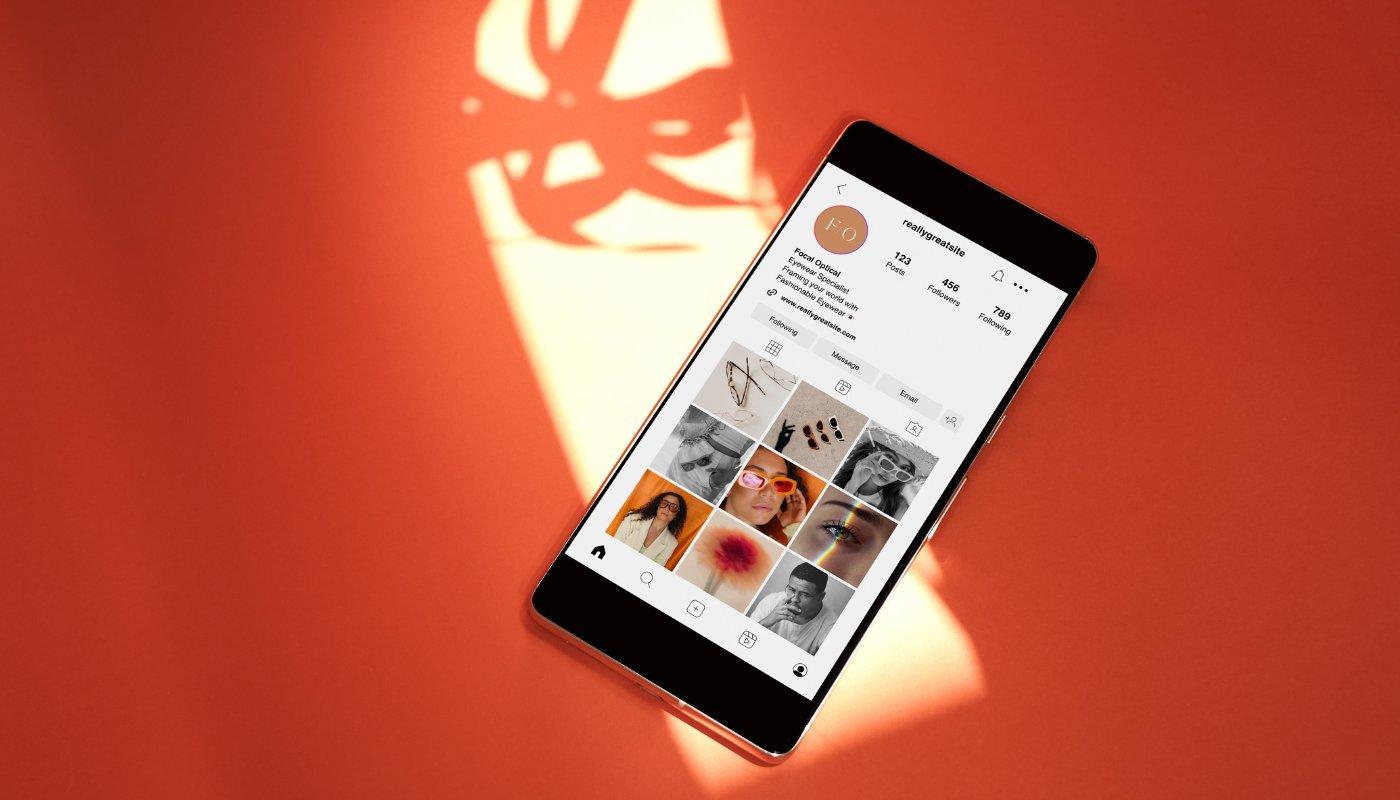
Social Branding Made Easier
If you’re looking to build a strong brand image, don’t stop with t-shirt designs. Use Canva to build out all aspects of your brand on socials so you can create a cohesive presence on the internet. Many ways exist to use Canva for all the social channels you have.
Instagram:
– Take your product photos to the next level with templates, graphics and bold text
– Design interactive Instagram Stories that stand out and engage your audience
– Create icons/designs to use for your Instagram Highlight covers
Facebook & Twitter:
– Make graphics to promote sales or new merch drops
– Design a header that emphasizes the best parts of your brand
– Build images you can use to promote as Ads
Youtube:
– Design thumbnails that will best highlight your content and generate engagement
TikTok:
– Create a niche-driven profile picture
– Build TikTok videos with Canva’s video template options
– Design an end frame card that will make your videos more memorable
Canva makes it easy to come up with t-shirt designs and build your brand. We’ve already proved you don’t need to be a professional designer, so there’s nothing stopping you now!
Looking for other design platforms to make your t-shirts? We ranked the 10 best design tools on our blog - find a user-fr
Open your print-on-demand shop and make money from every item you sell.