3 Tips to Optimize Your Designs for Hat Printing
Simple design tips for DTF hat printing to avoid thin lines, tiny details, and other issues that can affect print quality.
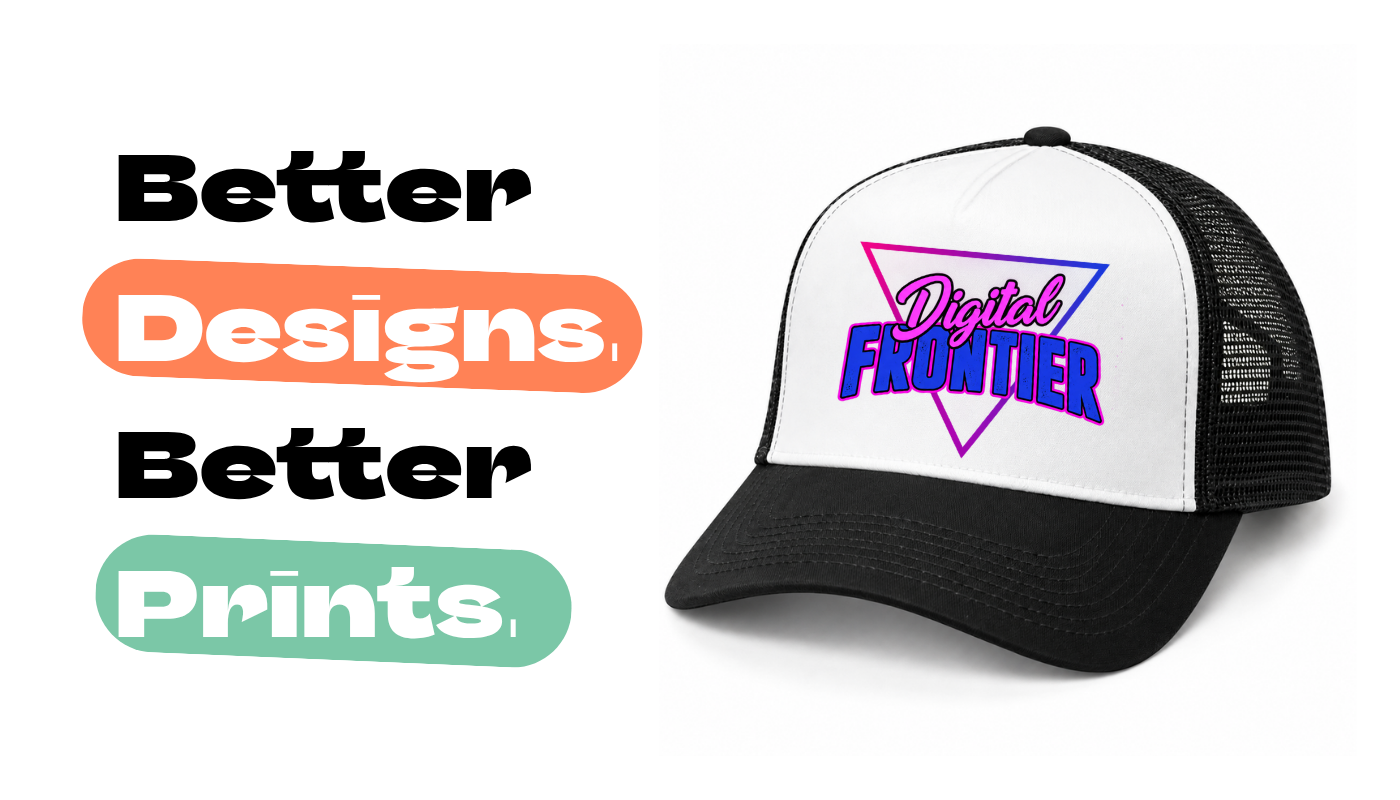
Creating designs for hats? Small details can make a big difference in how your finished products look.
Hats often use Direct-to-Film (DTF) printing, which produces vibrant colors and sharp details. However, very thin lines and tiny design elements may not print as clearly.
Follow these 3 simple tips to help your designs print clearly and consistently.
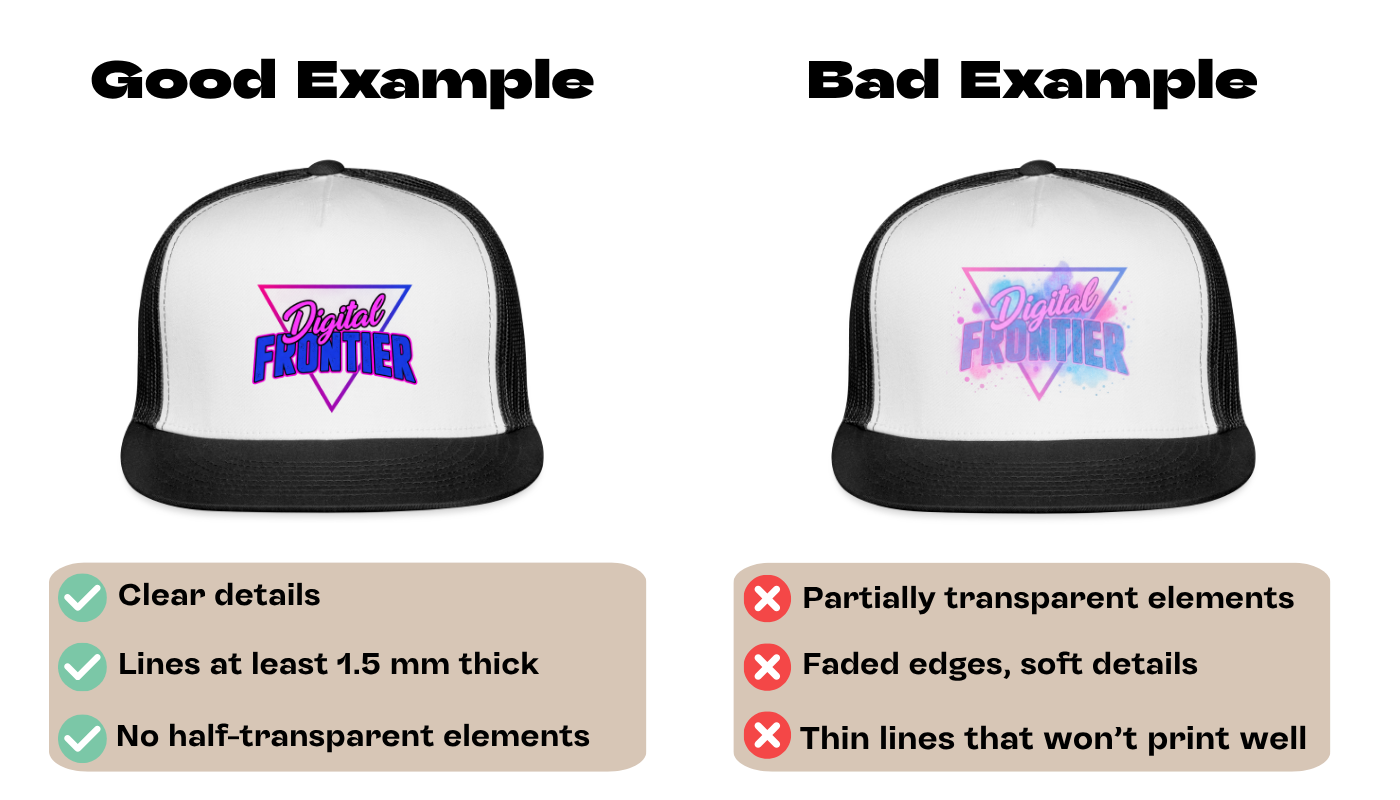
1. Keep Lines Bold and Details Simple
Thin lines and tiny design elements don't always translate well to print. Make sure lines and small details are at least 1.5 mm thick at their final print size for DTF printing.
Bold graphics, simple shapes, and clear lettering are great choices for hats.
2. Use the Right Design Settings
Make sure your artwork uses RGB color mode. Most online design tools, like Canva, use RGB by default. If you're using Photoshop or Illustrator, check your color settings before exporting.
For DTF Printing (Pixel Graphics: PNG, JPG):
Dimensions: 1000 × 1000 px to 4000 × 4000 px. Resolution: 300 DPI recommended.
For Embroidery (Vector Graphics):
Design requirements differ. Check specifications to get your designs ready for embroidery.
3. Avoid Semi-Transparent Elements
Avoid faded edges, transparent gradients, and partially transparent elements. These can lead to unexpected printing results.
If you're removing a background from your artwork, make sure the remaining edges are clean and fully opaque.