from sale to payout: how earnings work
Learn how to track sales and payouts in your Spreadshop dashboard.
how does spreadshop work?
Design and sell print on demand products in minutes
Get started for free
No fees for opening or running your print on demand shop - ever. Start selling with zero inventory.
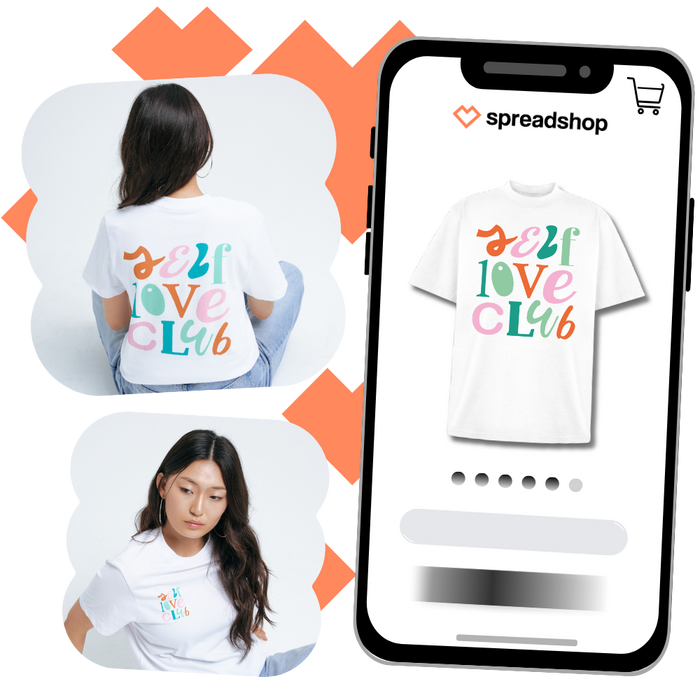
Design your products
Customize 300+ products with our drag-and-drop design tool. Sell customer-favorites like t-shirts, hoodies, and more.
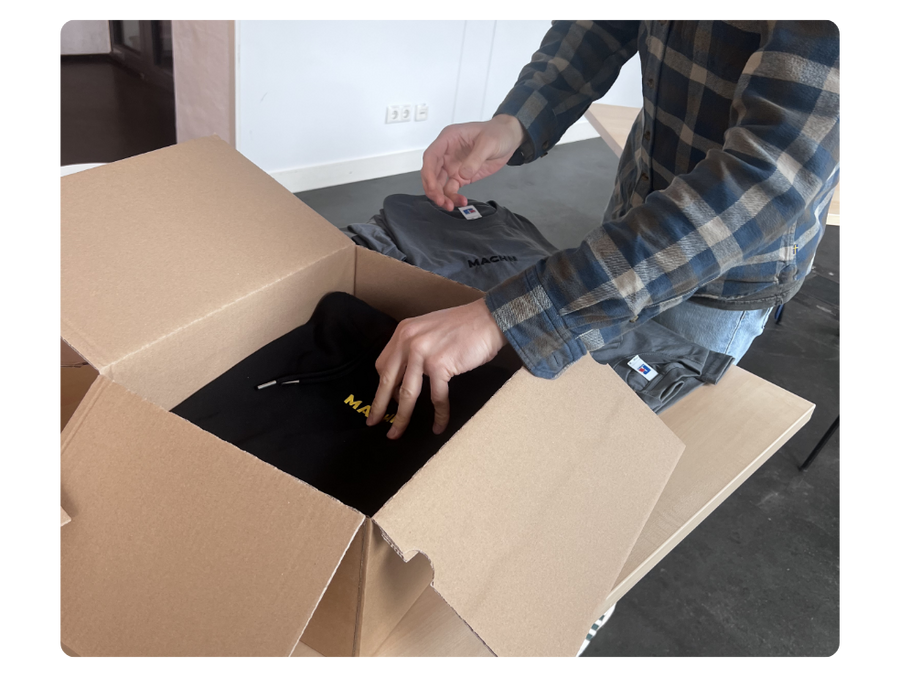
We print and ship for you
All orders are printed and shipped in the USA. Each item is quality-checked before it's sent to your customer.
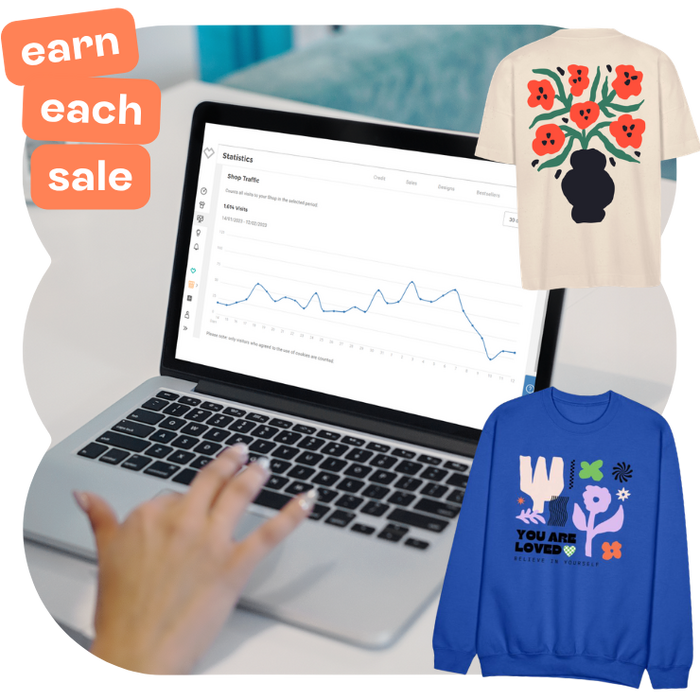
Earn from each sale
Set your own prices for products. Track sales in your dashboard to see when you get paid.
track your earnings
Monitor all activity directly in your shop dashboard. Sales appear automatically.

1. Customer places an order
2. Statistics Tab under Sales
3. Order is sent to production
4. Earnings go to Credit Tab
5. Monthly payout begins



Where to find your earnings
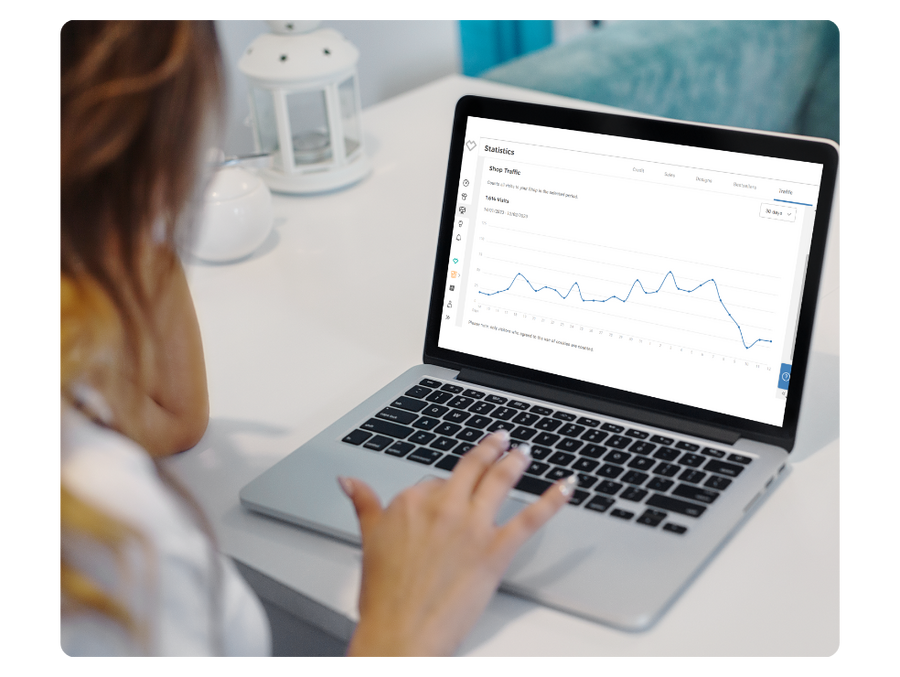
How to access your Statistics tab
- 1
Login to your shop
Access with your username and password
- 2
Navigate to the Statistics tab
Where all your earnings go
- 3
Orders appear in Sales tab
Orders stay here for 14 days while they're processed
- 4
Sales are moved to Credit tab
Once an order goes into production, it shows up as Credit.
- 5
Get paid for each order
Payouts are made on the 15th working day of each month

When do you get paid?
Earnings are paid out monthly on the 15th working day.
Once your balance reaches $10, payouts are sent automatically to your connected bank account or PayPal account.
How much can you earn?
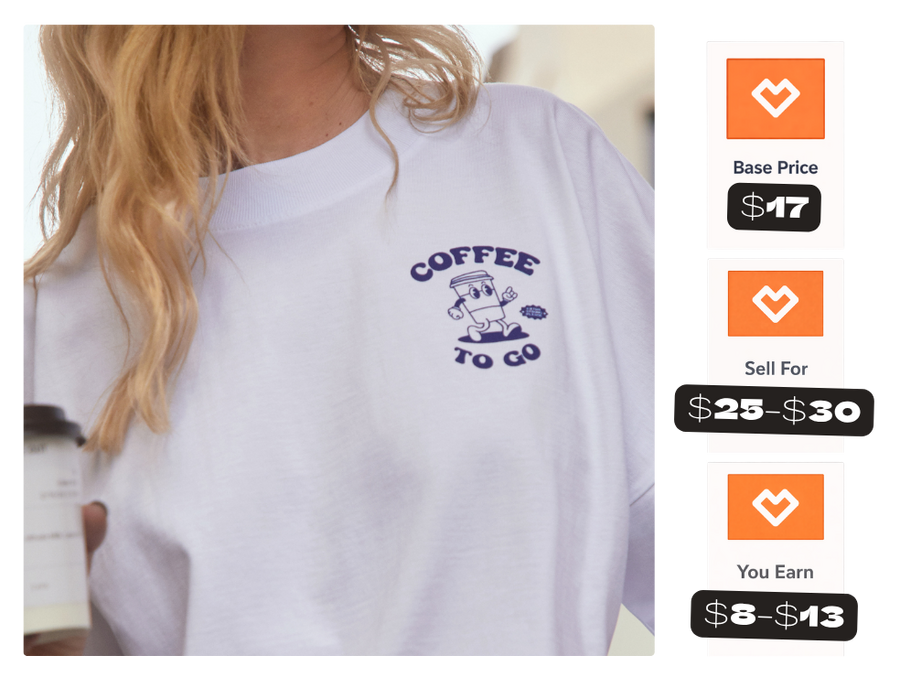
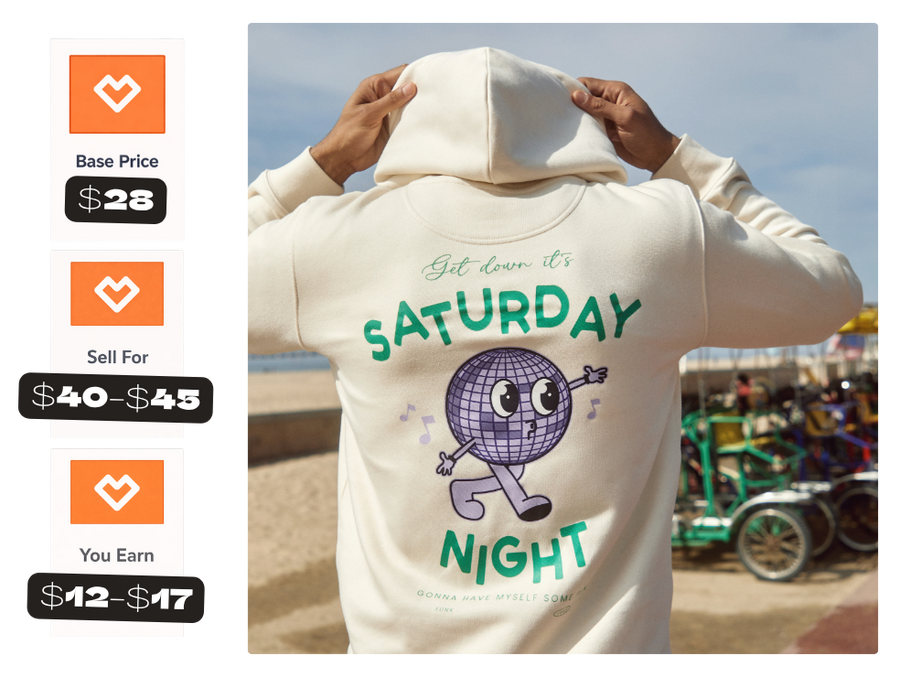
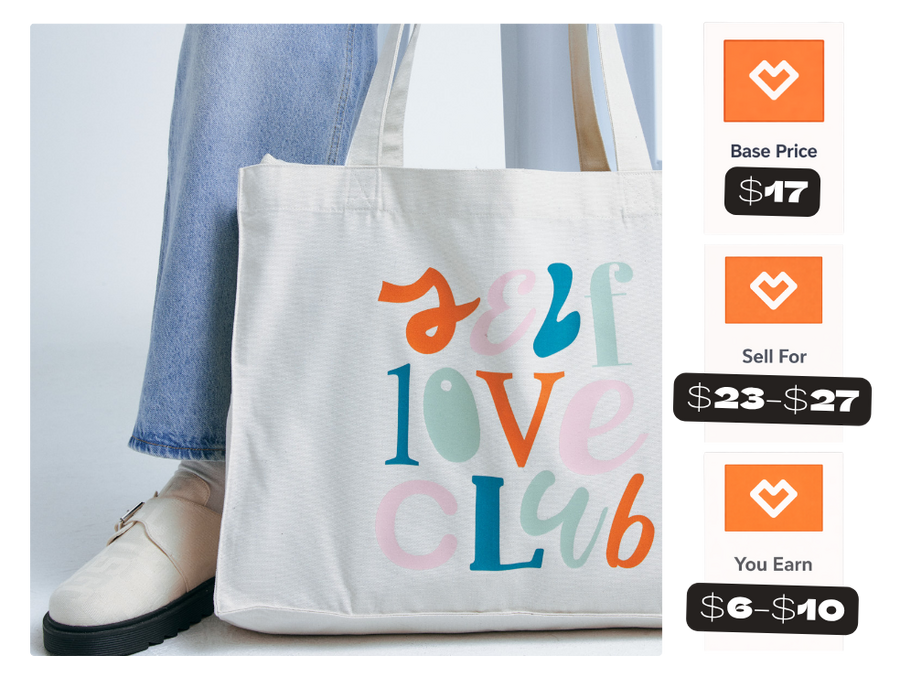
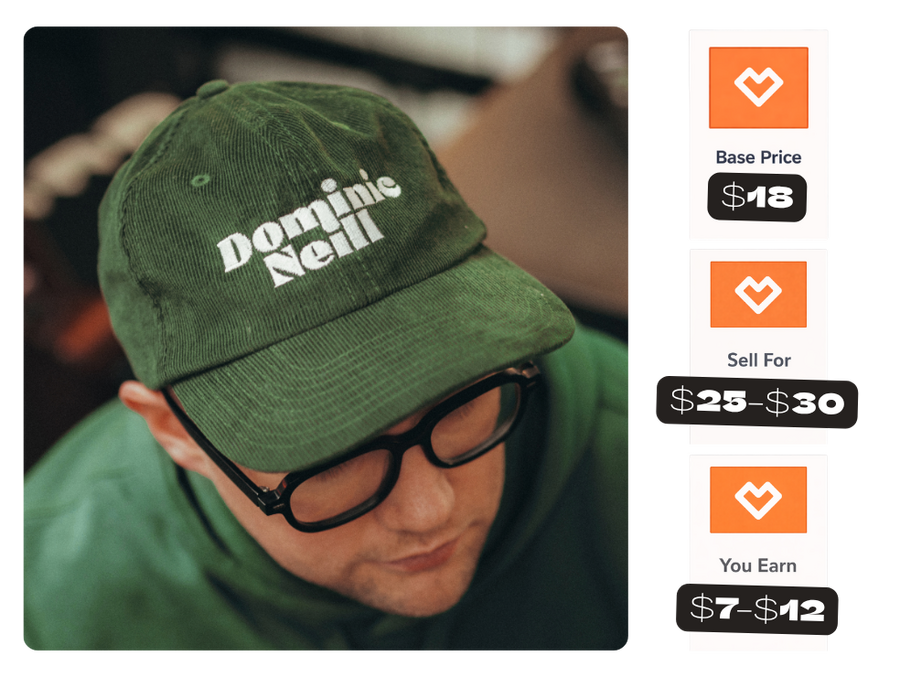
With Spreadshop, you set your own prices. Here are recommended pricing strategies for best-selling products.
T-shirts
Hoodies
Tote Bags
Mugs
Caps

Printed in the USA
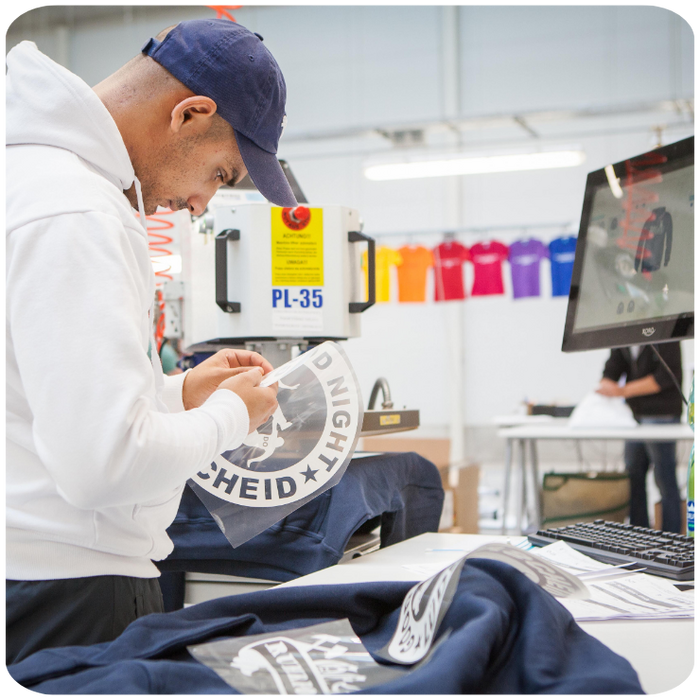
All orders are printed and shipped from our Las Vegas facility
We store all inventory in-house
Sell products from top name brands like Champion, Adidas, and Under Armour. We also carry our own private label.
Consistent quality control checks
There are multiple steps in the production process. This ensures top-notch print quality for your customers.
20+ years of industry experience
We're a leader in the print on demand industry. We continue to develop innovative processes by trusted experts.
We’re a print-on-demand service, which means products are only produced once an order is placed.
boost your sales
Design, pricing, and selling tips for your print on demand shop.


FAQ
Spreadshop payouts are processed monthly on the 15th working day of the month.
Earnings stay in the “Sales” section for 14 days after an order is placed.
This processing window allows time for production, shipping, and any potential order changes or cancellations.
If a customer cancels an order before it is finalized, the associated earnings may be removed from your pending Sales balance.
You can receive payouts through:
PayPal
Connected bank account
To receive payouts, make sure your payment information is added and up to date in your account settings.
Yes. Your account balance must reach at least $10 before a payout is processed.
Yes. You can monitor your earnings directly from the Statistics tab in your Spreadshop dashboard.
Once a customer places an order, it appears in your account so you can track performance, earnings, and payouts.
No. Spreadshop is print-on-demand, which means products are only produced after a customer places an order.
We store all inventory in-house, print products, and ship direct to your customer.