Photoshop isn’t the only design tool that helps online sellers produce high-quality merch designs. You can create designs without Photoshop through a design app that best suits your needs. There are plenty of free-to-use and subscription models out there to help you create original graphics, logos, and more.
Each design tool has it’s own unique features to help you create print-ready designs to sell with Spreadshop. Use pre-made templates and graphics to help you create original merch designs. Curate a selection of brand colors and elements that can become anchors of your merch line.
Here are 3 of our favorite design tools with additional suggestions for your merch design needs.
Canva: Beginner-Friendly, Extensive Library
Canva is a an easy-to-use design tool well-suited for merch. It’s drag-and-drop functionality is great for beginner users. There is also a large library of pre-made templates, graphics, and fonts available to use in Canva. You never have to start from scratch!
Merch designs aren’t the only function of the app, however. You can also create promotional tools for your print-on-demand shop: Business cards, flyers and social content. Upload or curate your own brand colors and logos to strengthen your brand recognition. Your Spreadshop designs will be more identifiable if you have a consistent look to them.
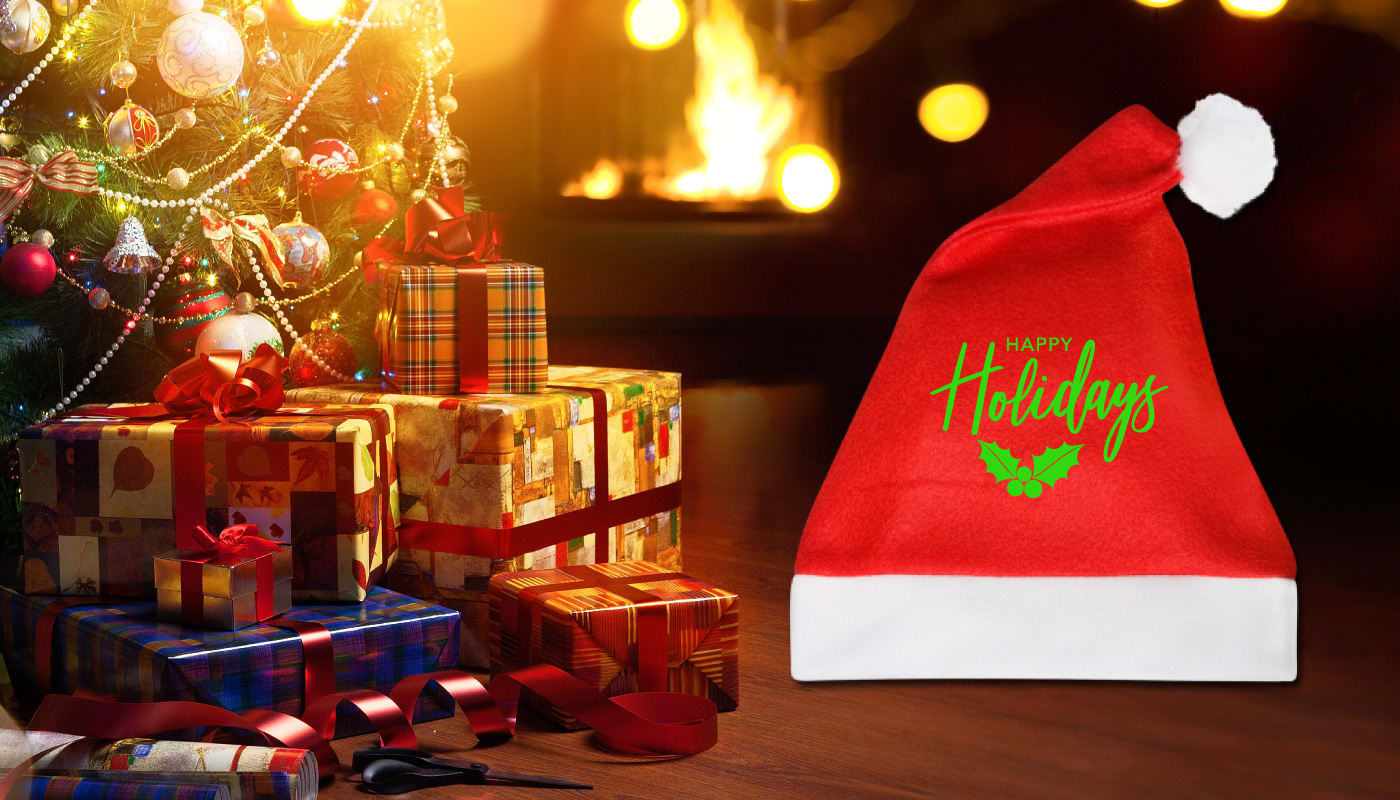
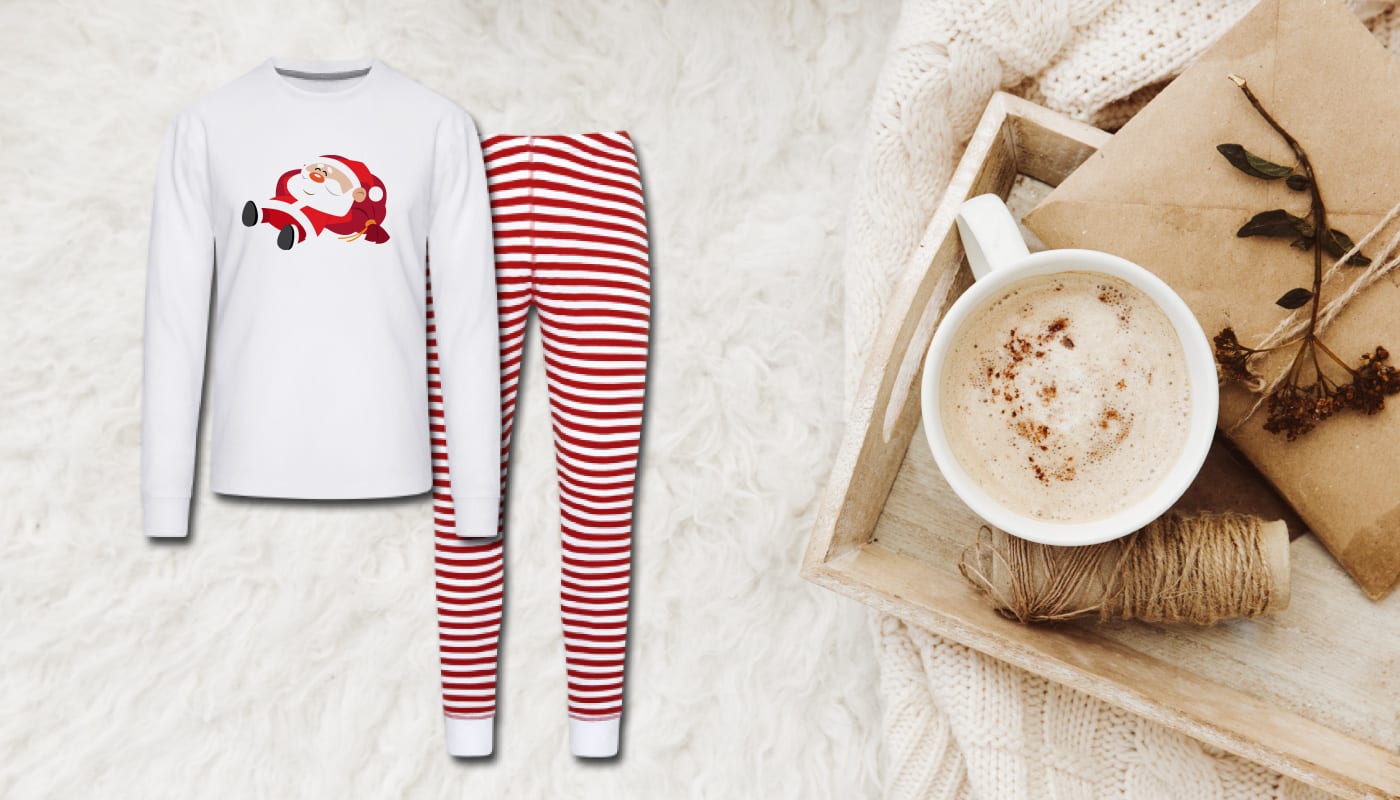
These preset graphic options when making seasonal or holiday-themed apparel.
Canva has an unpaid tier, but if you want to unlock more templates and graphics you can upgrade to Canva Pro. It’s only $15 a month and is well worth it for the amount of design features it unlocks.
Placeit: Best Logo Generator
Play around with more design options on Placeit. Like Canva, Placeit gives you design templates options to use as the foundation of your merch designs. The app allows you to make mockups that work well for different products like t-shirts and hoodies. That’s great news for Spreadshop users!
Placeit is the go-to destination for print-on-demand sellers that want to make a merch logo, too, particularly those in the gaming niche. They have a whole section of their website dedicated to gaming; providing examples and icons you can use to build something totally your own.
These kinds of logos and brand identifiers apply to all markets. You just need to find a niche to succeed.
As far as pricing for Placeit goes, they have a free option or you can pay $14.95 a month with a subscription. The paid version allows you to utilize more features and take your merch designs to the next level.
Pixlr: Ultimate Branding Tool
Easily edit existing photos and create original merch designs with Pixlr. They have professional templates to help fulfill all your design needs beyond merch. Create a banner for a content channel, tweak your profile photo, and create social posts all in one place.
Upload images you have in your camera roll and tweak them to best fit your merch. Remove backgrounds in just one click. Add filters and effects to transform them. Make a mood board for your merch with their collage template.
Now that you know Photoshop is no longer the go-to destination for merch designs, it’s time to find the tool for you.
The design tools mentioned above not speaking to your needs? Check out this list of the 10 best design tools for e-commerce designers. We highlight unique features, experience level, and pros/cons for each service.
Designing your merch shouldn’t be a headache; it should be a fun, creative outlet.
Once you have your merch designs, launch your Spreadshop and customize t-shirts, hoodies, and more!