Make Merch With Zero Design Experience
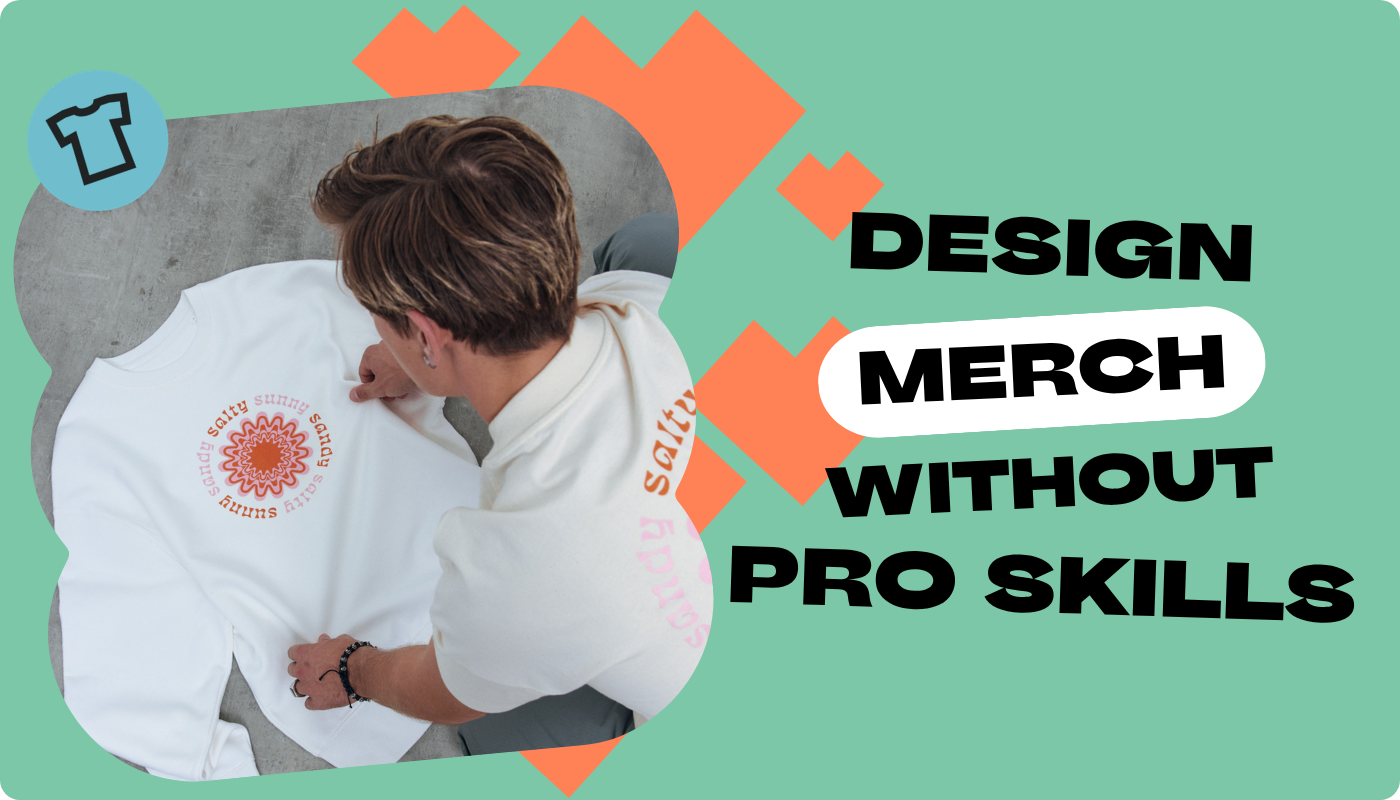
Yes, it's true, you can make merch designs with zero design experience. You don't need a four-year degree or an Adobe Illustrator award to make best-selling designs for print-on-demand.
Easy-to-use design tools take the guesswork out of making designs for print-on-demand. These tools have plug-and-plug templates and plenty of stock graphic options ready for customization.
If you lack the creative bandwidth or spare time to make merch designs, it may be a good idea to hire a professional designer.
Browse designer profiles on freelance sites like Fiverr to find the right designer for your needs. Work with an expert to execute your vision.
Find the design solution thats right for you and your print-on-demand apparel line - no professional experience needed!
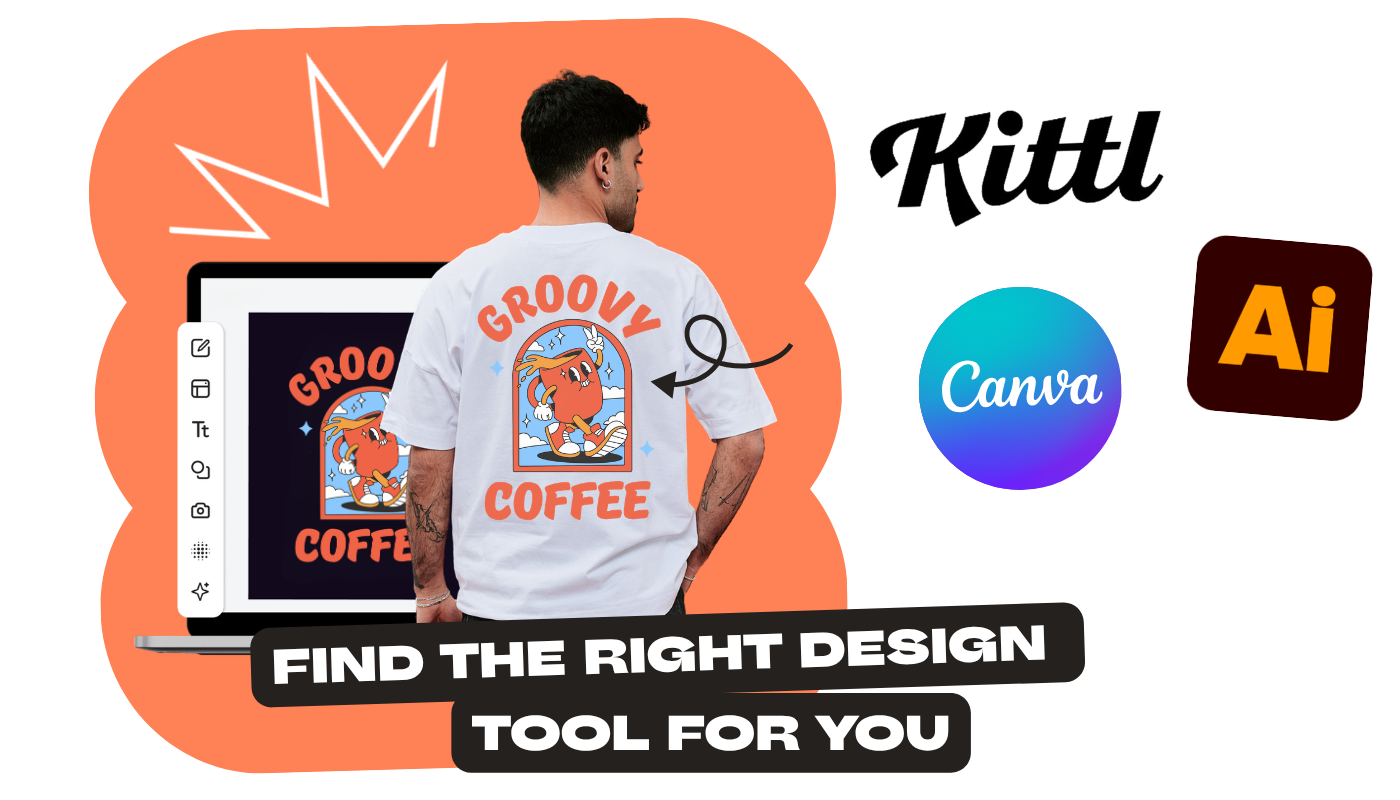
Design Tools: Easy-to-Use, Free, and Premium Options
A wide-variety of design tools are available for e-commerce designers, and it's up to you to decide which is best.
To streamline the decision process, we break down the 10 best tools for making print-on-demand designs. We highlight unique features, experience level, and pros/cons for each graphic design software tool or application.
Here are some of our favorites:
Canva: User-Friendly, Great For Beginners
Canva has a bunch of ready-made graphics and text options that are great for making t-shirt designs and designs for other products. Find pre-made designs that suit your niche by typing relevant keywords into the search bar.
These specific, niche designs look great on all kinds of print-on-demand products: stickers, water bottles, tote bags. And they're easy to tweak with your own unique slogans and other graphics.
Canva also allows you to upload brand colors with their brand kit tool. This ensures your designs or cohesive and you can create easy designs.
It’s easy to make t-shirts and other merch with Canva. Get started today!
Kittl: Enhanced for AI, Extensive Library
Kittl is a cutting edge design platform with built-in AI capabilities. Generate and tweak mockups using AI tools from scratch or with the help of existing templates.
Kittl also has a product photo generator that allows you to preview your design on products, like t-shirts and hoodies. This feature allows you to optimize and enhance your designs before you get to the selling phase.
Find other options (free and paid) by checking out our complete ranking of the top 10 design tools.
Hire a Freelancer to Design Your Merch
If you're looking to outsource your design needs, a service like Fiverr is a great resource. Fiverr have thousands of designers available to fulfill requests.
Type in “t-shirt design” or “merch design” into their search bar and you’ll find plenty of designers with different specialties. You can narrow it down by preferred niche, style, and product type.
Be as specific as possible with what kind of design you want. Maybe you just need a logo for your business. Are you looking for a bundle of similar graphics? This will make it easier to communicate your request - the more details, the better!
Look at their portfolio to see what they've created to see if their design style appeals to you. Cost shouldn’t be an issue since a lot of Fiverr freelancers and designers have affordable rates.
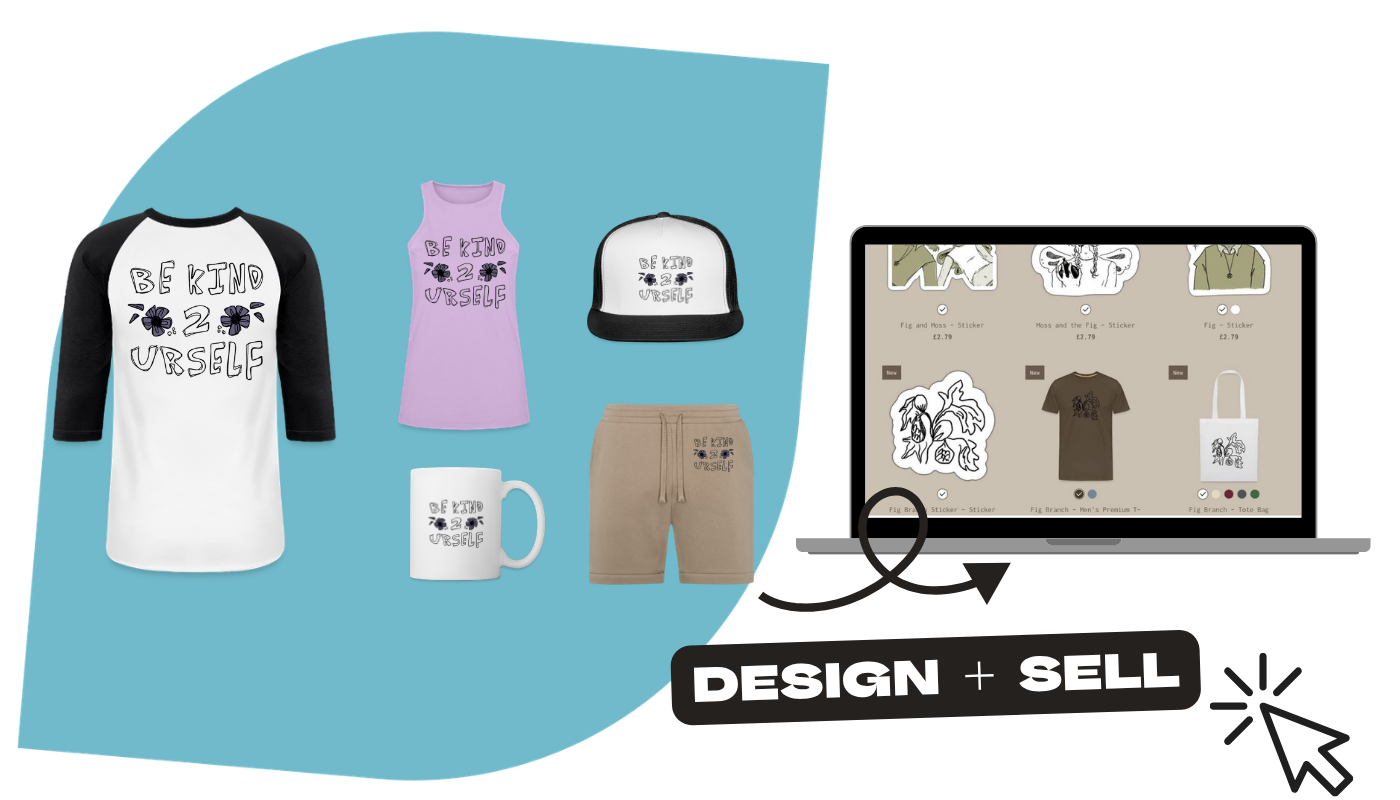
Customize Products with One Click
Once you have your designs, it's time to make your custom merch.
With Spreadshop, it's easy to drag-and-drop your graphic design files and customize your products: All with one click. Customize t-shirts, hoodies, mugs and 300+ print-on-demand products.
But you want to make sure your designs are ready for print-ready first: No pixelation, proper dimensions, best file type.
Recommended design specs for print-ready designs:
File Formal: PNG with transparent background
File Resolution: 4000 by 4000 pixels
Size Limit: Max 10 MB
And the design tools mentioned above allow you to download your designs in these specs.
Once you have your designs, you can customize multiple products with one click using our Customization Tool. Tweak the sizing as needed on each product and choose where you want to place designs: Front print, back print, or side sleeve print.
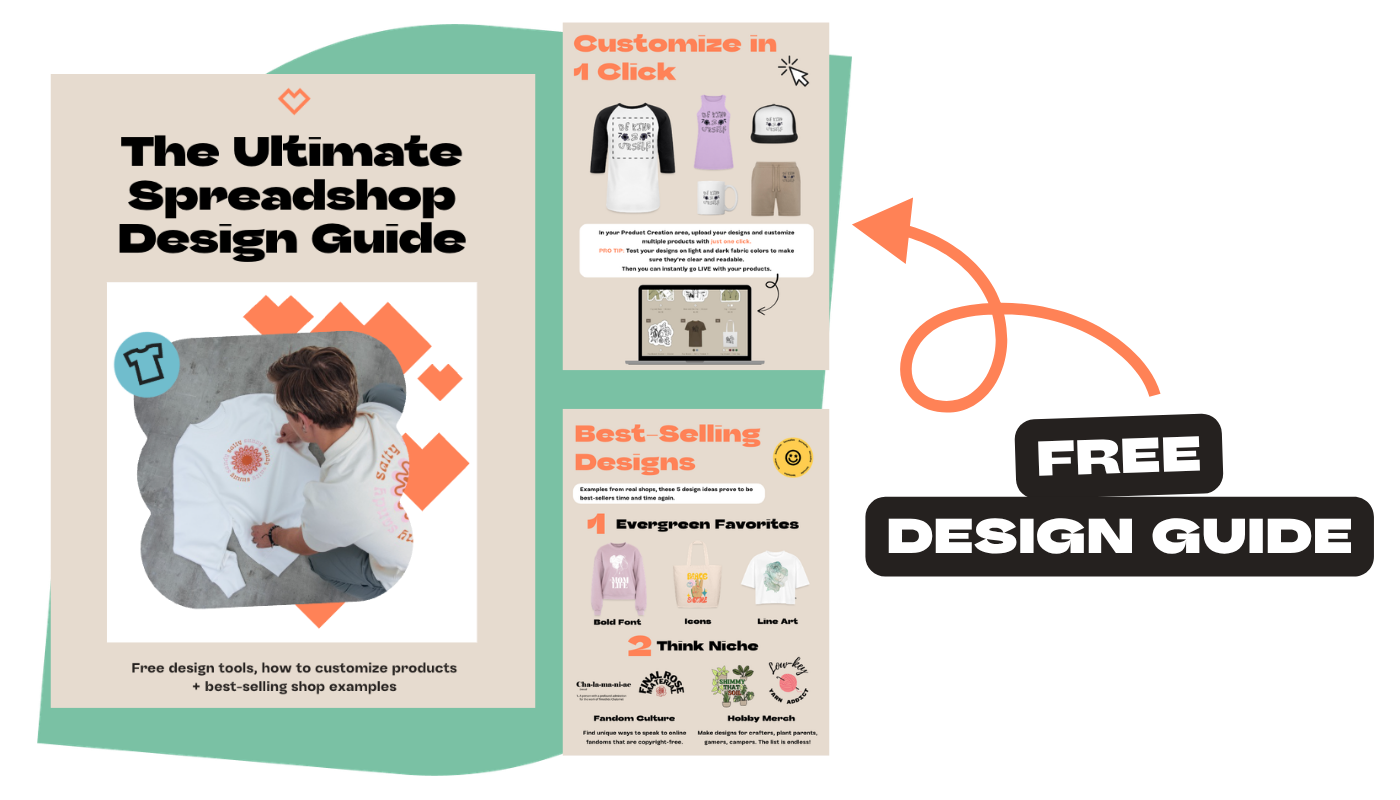
Print-on-Demand Design Guide: Download for Free!
To make the print-on-demand design process even easier, we created the Ultimate Spreadshop Design Guide.
With this guide, you won't have to second-guess your design decisions or wonder what's the best approach.
What you get inside:
Beginner-friendly design tools + features
How to customize products in 1 click
Design hacks to save time + inspire creativity
Print-on-demand success tips from a full-time content creator
Plus more!
Download your free print-on-demand design guide.
Make custom designs and sell print-on-demand merch - no inventory or fees needed!
Frequently Asked Questions
1. Can you make merch with zero design experience?
Yes, you can make merch with zero professional design experience.
You don't need a degree or special software to make high-quality designs. Using free design tools with built-in features is enough to create designs that will sell in your print-on-demand shop.
2. What’s the best free design software for print-on-demand t-shirt design?
The best free design software for print-on-demand t-shirt design is the one that best fits your needs and experience level.
The top 10 best print-on-demand design tools ranked by feature, ease-of-use, and cost.
3. What file type is best for print-on-demand designs (PNG, JPG, SVG)?
The best file type for print-on-demand designs is a PNG file with a transparent background.
This ensures designs look crisp and clear when printed.
4. What size and resolution should a graphic design file be for printing on t-shirts?
Design size and resolution for printing on t-shirts should be 4000 by 4000 pixels.
5. How do I upload and place my design on products (front, back, sleeve) using Spreadshop?
To upload and place designs on products with Spreadshop, use our Customization tool.
Easily upload your design, place your design, and pick product colors.